The CoolUtils AVIF to PNG Online Converter is a free and efficient tool for converting AVIF (AV1 Image File Format) images to PNG (Portable Network Graphics) format. It is especially useful when you need to turn high-quality AVIF images, known for their efficient compression, into the more widely supported PNG format.
AVIF, which stands for AV1 Image File Format, is notable for its use of the AV1 video codec for image compression. This codec, developed by the Alliance for Open Media, is primarily known for its use in video compression. What makes AVIF's adoption of this codec remarkable is its ability to achieve high levels of compression without significant loss of image quality. This is due to the AV1 codec's efficiency in handling both still images and video sequences. As a result, AVIF files are often much smaller in size compared to traditional image formats like JPEG, while retaining higher quality, particularly in areas like color fidelity and detail preservation. This makes AVIF a promising format for various applications, especially where bandwidth or storage space is limited, without compromising on image quality.
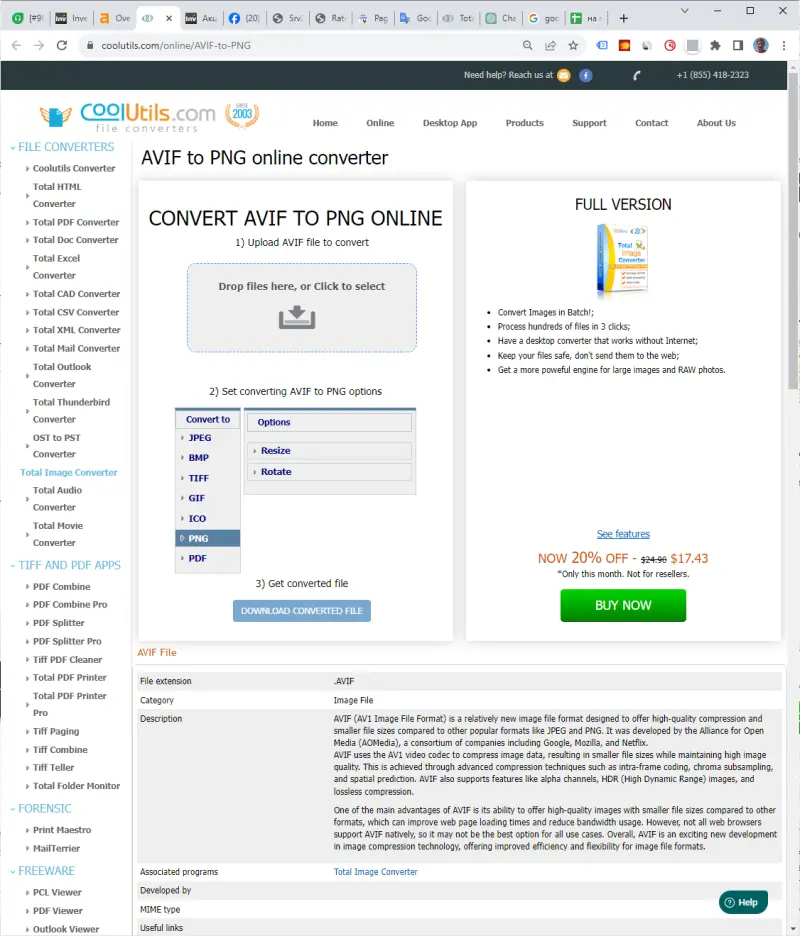
While AVIF is a newer and more efficient format, PNG is widely supported and known for its lossless compression, making it ideal for scenarios where image quality is paramount. Converting to PNG ensures compatibility across a wider range of devices and platforms.
The CoolUtils AVIF to PNG Online Converter is a valuable tool for users needing to convert AVIF files to a more universally compatible format. Its ease of use, combined with the fact that it is free and requires no installation, makes it an excellent choice for quick and efficient image format conversion.